Physical Address
304 North Cardinal St.
Dorchester Center, MA 02124
Physical Address
304 North Cardinal St.
Dorchester Center, MA 02124
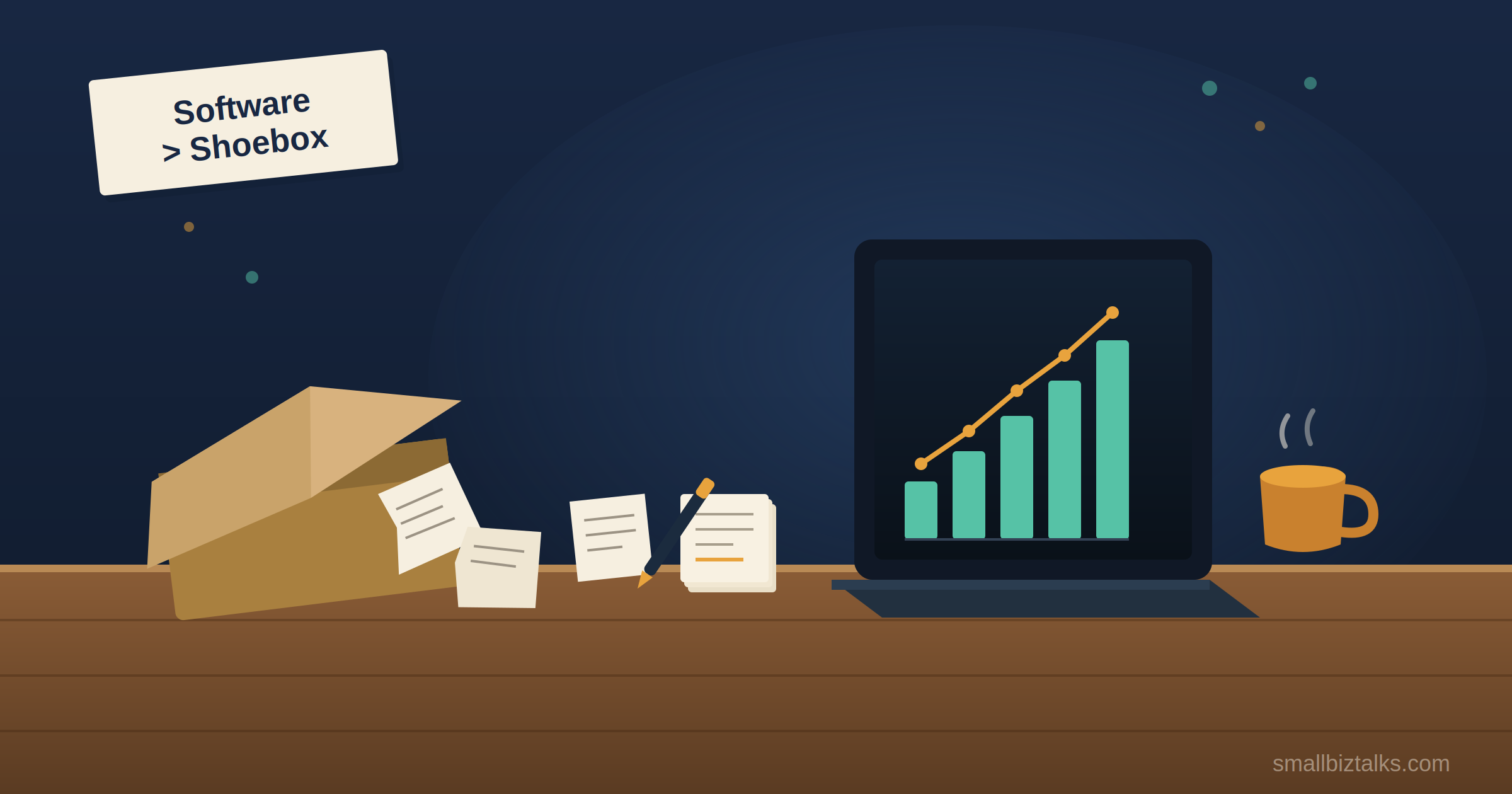
For the first two years of running my business, my accounting system was a shoebox. Not a metaphorical one, an actual cardboard shoebox, sitting under my desk, slowly filling with receipts I told myself I’d “deal with in January.” January would arrive. I would not deal with it. Instead, I’d dump the whole crumpled pile onto my kitchen table at 11 p.m. the night before a tax deadline and try to reverse-engineer a year of business decisions from thermal paper that had already started fading into blank strips.
Does any of this sound familiar? If you’re reading a post about the best small business accounting software, there’s a decent chance you have your own version of the shoebox- a chaotic folder of PDFs, a spreadsheet with formulas nobody quite trusts anymore, or that specific sinking feeling when your accountant asks, “do you have that broken out by category?”
The good news: software exists to fix this. The confusing news: there are roughly a dozen platforms all claiming to be the answer, with pricing tiers that seem designed by someone who enjoys watching business owners cry. I went through the popular ones, the sleeper picks, and the one that’s basically Excel with better branding, so you don’t have to lose a weekend doing it yourself.
None of these is universally “best” — that’s a bit of a category error, honestly, the same way asking for the “best shoes” ignores whether you’re running a marathon or walking a dog around the block. Here’s the actual reasoning behind each pick.
Let’s not skip this question just because it’s inconvenient for a post about software. If you’re a true one-person operation with a handful of clients and no inventory, a well-built spreadsheet can genuinely hold you for a while.
The tipping point tends to arrive earlier than people expect: the moment you hire someone, take on a business loan, carry inventory, or need a lender or investor to see clean financials, a spreadsheet stops being a shortcut and starts being a liability. That’s when actual accounting software with double-entry bookkeeping, bank reconciliation, and audit-ready reports- earns its subscription fee.
QuickBooks Online is the software most U.S. accountants already know how to use, which counts for more than it sounds like it should. When your bookkeeper doesn’t have to learn a new system just to help you, that’s real time and money saved.
The plan lineup, as of mid-2026:
Payroll is a separate subscription (roughly $50+/month plus a per-employee fee), and card payments run about 2.9% + $0.30 per transaction. Worth knowing: Intuit has raised QuickBooks Online prices multiple times over the past couple of years, with another increase to Essentials, Plus, and Advanced pricing scheduled for August 2026- so treat any number here, including this one, as a snapshot rather than a promise.
The honest downside is cost creep. Most growing businesses skip Essentials entirely and jump straight from Simple Start to Plus, because the features that actually matter – inventory, project costing, only show up two tiers up.
Xero’s whole pitch is right there in the pricing structure: every plan, even the cheapest one, includes unlimited users. QuickBooks charges per seat once you’re past a certain headcount; Xero doesn’t. If you’ve got multiple people- a co-founder, a bookkeeper, an ops manager, who all need real-time access to the books, that difference adds up fast.
Xero’s 2026 tiers:
The catch with the Early plan specifically: those caps are tight enough that most businesses outgrow them within a few months, so don’t let the $25 sticker price be the deciding factor.
FreshBooks makes a different bet than QuickBooks or Xero: instead of trying to be comprehensive accounting software, it optimizes hard for invoicing, time tracking, and client billing- the stuff a freelancer or consultant actually touches every day. If you bill by the hour or by project, the workflow feels built for you specifically, not adapted from a general ledger.
Its pricing is structured by client count rather than by user, which is a genuinely useful distinction if you’re a solo operator:
Every plan is single-user by default; adding team members costs roughly $11/month each. The trade-off for all that invoicing polish is accounting depth- FreshBooks isn’t the platform you want once you need serious inventory management or complex multi-entity reporting.
Wave is the honest answer to “can I get real accounting software without paying a subscription,” and for a lot of very early-stage or solo businesses, the answer is genuinely yes. The free core plan covers invoicing, expense tracking, bank connections, and basic financial reports.
The nuance worth knowing: “free” here means Wave makes its money elsewhere. Automated bank feeds now live behind a Pro plan (about $16/month), and payment processing runs 2.9% + $0.60 per transaction — noticeably higher than most competitors’ rates. If you invoice a lot of small transactions, those fees can quietly outpace what you’d have paid for a subscription-based platform. Free isn’t the same as costless; it’s just a different place to pay.
Zoho Books doesn’t have the brand recognition of QuickBooks or the “unlimited users” hook of Xero, but it punches well above its price point, especially on automation. You can set up rules that automatically categorize transactions, send payment reminders, and reconcile accounts — the kind of “set it and forget it” behavior that matters most to owners who didn’t start a business because they love bookkeeping.
The standout feature: a genuinely free-forever plan for businesses making under $50,000 a year in revenue, including accountant access, recurring invoicing, and receipt auto-scanning. Once you outgrow that threshold, paid plans scale up from there. And if you’re already using other Zoho apps — CRM, HR, project management — the data flows between them in a way competing platforms simply can’t match, since none of them make 45 other business apps.
This is a narrower use case, but a real one: freelancers, contractors, and sole proprietors whose business and personal finances are tangled together anyway. Quicken Business & Personal starts at $4.99/month and bundles invoicing and Schedule C/E/F tax reporting with personal budgeting, investment tracking, and retirement planning- one subscription instead of two apps that don’t talk to each other.
It’s not the right call if you need proper double-entry accounting, multiple users, or plan to eventually hand files off to a bookkeeper who expects a QuickBooks- or Xero-style setup. But for someone who’s the entire company, it solves a real annoyance the bigger platforms don’t bother addressing.
Strip away the marketing and it comes down to what kind of business you’re actually running:
(If you want to fix the underlying habits and not just the tool, we’ve also covered how to approach bookkeeping for small businesses — that post handles the practices, this one handles the platform.)
Every one of these platforms will let you migrate your data if you outgrow it. None of them make it painless. Switching software means re-learning workflows, re-training whoever handles your books, and usually losing some of the categorization history that took months to get right. It’s not a reason to freeze up over the decision — but it is a reason to pick something with a little room to grow, rather than optimizing purely for whichever plan is cheapest this month.
As for my shoebox: it’s gone. These days my receipts get photographed and categorized before I’ve finished my coffee, which is either the most boring plot twist in my business’s history or the best money I’ve spent on it. Possibly both.